Android browsers
Chrome and Samsung Internet on Android 8 and above load the full lobby without layout issues. Earlier Android versions may see a reduced interface.
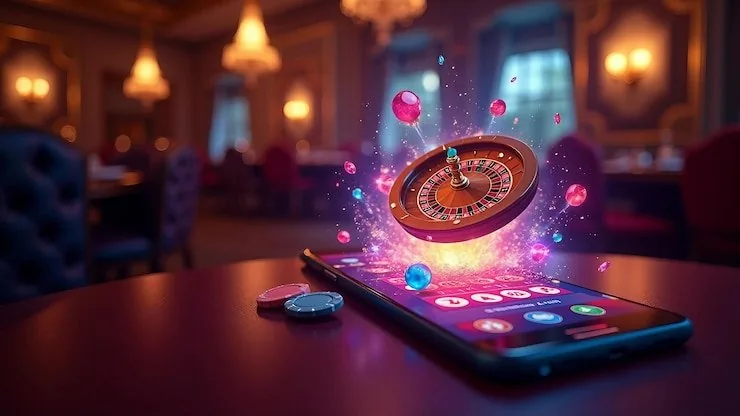
The 93pkr app brings live casino tables, slots, crash games and sports betting — including PSL and international cricket markets — to your mobile screen. Access depends on local law and is available where eligible regions permit.

The app is designed to run on the devices most Pakistan players already carry. Before downloading or relying on browser access, here is what to confirm on your end.
Chrome and Samsung Internet on Android 8 and above load the full lobby without layout issues. Earlier Android versions may see a reduced interface.
Safari on iOS 13 and above handles the full session including fingerprint login. Third-party browsers on iOS work but may not support biometric prompts.
The lobby reflows for screens from 5 inches upward. Landscape mode works for live tables; portrait is the default for slots and crash games like Crash
Getting into the app does not require a lengthy setup. Whether you are checking availability or signing in for the first time, the path is short. First, open 93pkr in your mobile browser — Chrome on Android and Safari on iOS both work without extra configuration. Second, check the download or install prompt shown on the site; if a native app build
is currently available for your region, the page will show it clearly with the verified source. If not, the browser session gives you the same full lobby. Third, sign into your account with your registered credentials or fingerprint if you have already enabled it. Players in Lahore and Karachi reach the lobby within seconds of tapping the link.
These are the features that make the mobile experience noticeably different from a desktop session — faster entry, smarter notifications, and a layout that fits your screen rather than shrinks it.
Supported on Android and iOS devices. Skip the password and use your fingerprint to reach the lobby in under two seconds on your next visit.
Opt in and we send an alert when a cricket match market opens or a table you follow has a seat. Turn them on or off from app settings anytime.
The interface switches to dark mode based on your device setting. Easier on the eyes during a late-night session and no manual toggle needed.
Your recent games and account balance load from cache even when your connection drops briefly. The session resumes cleanly once signal returns.
Open the app and your full lobby loads — Live Baccarat Bonanza and Roulette Action at the top, crash games like Crash a tap away, and the sportsbook right beside them. No switching between separate sites. Push notifications let you know when a cricket market goes live or a slot feature round opens. Quick deposit means your JazzCash or Easypaisa wallet connects
in a few taps rather than a full form fill. Fingerprint login cuts the sign-in step to under two seconds on supported Android and iOS devices. The lobby also caches your recent games so the screen you left is the screen you return to
Real questions from account holders about how the app works, where to get it, and what to do if something does not load as expected.
Service availability depends on eligible regions and local law. Users should check local rules before opening an account.
Access may be available only where local law permits.